

Check Your Claim Status - Sahabat Insurance

Terakhir Diubah : 08:45:28 - Thursday, 23 February 2023
Berita - Check Your Claim Status - Sahabat Insurance - Sahabat Insurance | Solusi Lengkap Perlindungan Asuransi Anda

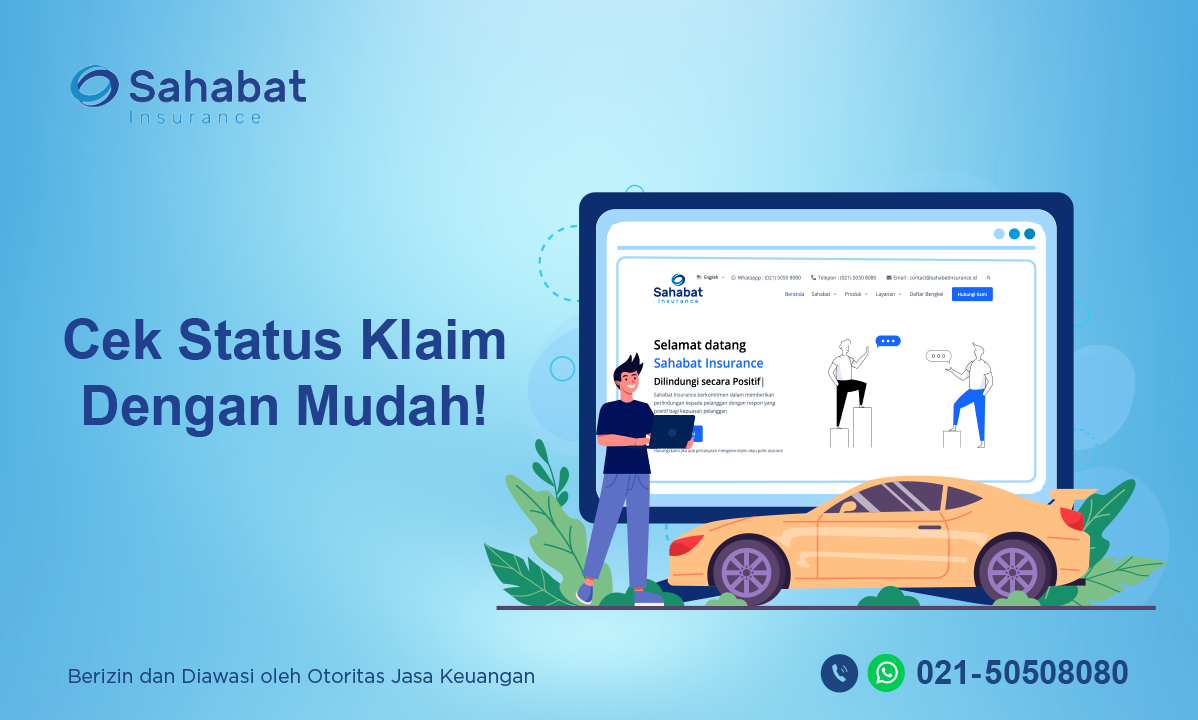
It’s always a good idea to first check your claim for car insurance. The quickest way to do this is via customer services on our website.

  1. Go to our website www.sahabatinsurance.id.
  2. Navigate to Service.
  3. Select Claim.
  4. Select Check Claim Status.
  5. To do a look-up, you will need your claim number.
  6. Enter your claim number, select search.

Reported your claim but still have questions? You can also get in touch with us directly via call center and WhatsApp at 021-50508080 or email [email protected]

Berita Lainnya

Sahabat Insurance Participates in FinEXPO 2025


Makassar, October 4, 2025— PT Asuransi Sahabat Artha Proteksi (Sahabat Insurance) actively participated in FinEXPO 2025, part of the Financial Inclusion Month 2025 campaign. This major financial industry event was organized by the Financial Services Authority (OJK) of  South and West Sulawesi in partnership with the Financial Services Industry Communication Forum (FK-IJK Sulselbar).

As part of its commitment, Sahabat Insurance joined forces with the Indonesian General Insurance Association (AAUI) Makassar Branch to set up an  Insurance Corner, aimed at supporting and enhancing financial literacy and inclusion among the public.

Sahabat Insurance’s Commitment to Financial Inclusion

Sahabat Insurance’s presence at FinEXPO 2025 reflects its strong support for OJK’s national program to improve financial literacy and inclusion across Indonesia. During the event, the company showcased a variety of general insurance products, including:

• Motor vehicle insurance
• Property insurance
• Personal accident insurance
• Travel insurance

Visitors also had the opportunity to receive insurance consultations to better understand which protection solutions fit their needs.

---

FinEXPO 2025: Expanding Public Access to Financial Services

FinEXPO 2025 is a flagship event under the Financial Inclusion Month (BIK) initiative held every October, with the goal of improving public understanding and access to financial services. The event gathered a wide range of financial institutions—including banks, insurance companies, fintechs, and cooperatives—all working together to advance financial inclusion in Indonesia.

---

About Sahabat Insurance

PT Asuransi Sahabat Artha Proteksi (Sahabat Insurance) is a national  general insurance company in Indonesia, dedicated to providing the best protection services for individuals and businesses. With an extensive service network and diverse product offerings, Sahabat Insurance continues to play a key role in supporting the financial resilience of Indonesian communities and enterprises.


Virtual Account - Sahabat Insurance

Virtual Account - Sahabat Insurance

In order to improve the quality of our services, we facilitate premium payments with payment services via Virtual Account (VA) which will be listed on every insurance policy of PT Asuransi Sahabat Artha Proteksi.

A Virtual Account is a digital payment method through an account that is created virtually for each customer. To make payments, customers will be referred to their own Virtual Accounts. A Virtual Account consists of a unique customer ID (you can find it in your premium note).

Following are the procedures for payment via BCA Virtual Account (VA):

m-BCA
1. Open m-BCA, select “m-Transfer”.
2. Select “BCA Virtual Account”.
3. Enter the Virtual Account number  and click “OK”.
4. Input your transfer amount and click “OK”.
5. Confirm the transaction detail and click “OK”.
6. Enter m-BCA PIN.
7. Transaction is successful.

ATM BCA
1. Insert your BCA debit card and enter your PIN.
2. Select "Other Transaction”.
3. Select "Transfer”.
4. Select "BCA Virtual Account”.
5. Input "Virtual Account Number"  select “OK”.
6. Input your transfer amount  and click “OK”.
7. Confirm the transaction detail and click “OK”.
8. Your transaction is complete.

Transfer From Other Bank 

Via Apps
1. Oper your Apps, input your code, select “Transfer”.
2. Select “Transfer - Other Bank”.
3. Select Bank BCA (014).
4. Enter your Virtual Account code on Beneficiary Account.
5. Input transfer amount, select “OK”.
6. Confirm the transaction detail, select “OK”.
7. Enter your PIN.
8. Transaction is successful.

Via ATM
1. Insert your card, input PIN, select “Transfer”.
2. Select “Transfer - Other Bank”.
3. Select Bank BCA (014).
4. Enter your Virtual Account code on Beneficiary Account.
5. Input transfer amount, select “OK”.
6. Confirm the transaction detail, select “OK”.
7. Enter your PIN.
8. Transaction is successful.

For more info please call Sahabat Insurance 021-50508080 or email us: [email protected]