
 Indonesia
What is Blind Spot?
Terakhir Diubah : 04:21:02 - Tuesday, 11 January 2022
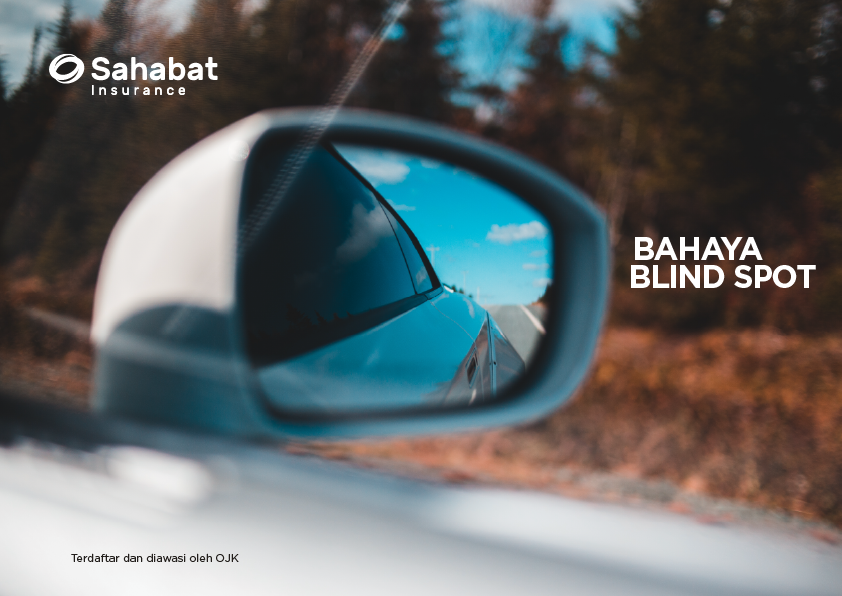
Are you familiar with the term blind spot?
Car drivers should be aware of this blind spot. Blindspot is an area that the driver of the vehicle cannot see properly. The existence of this area can lead to various possibilities, including the danger of traffic accidents.
How to avoid blind spots? Point the mirror parallel to the vehicle body. Stay alert to see the mirror in the Center, right and left when changing lanes.
For car protection call us at 021-50508080
Berita Lainnya
2024 Insurance Awards
PT Asuransi Sahabat Artha Proteksi (Sahabat Insurance) received the “Best Insurance Awards 2024” award for General Insurance category with an equity of IDR 250 billion - IDR 500 billion.
The award aims to recognize insurance companies that show good financial performance during the year 2023 based on Insurance Media Research Institute (LRMA).This achievement shows our success in maintaining customer trust by providing the best service and presenting quality general insurance products. (mediasuransi.id)
Claim Submission & Operational Working Hours Related to Work From Home
Taking into account the increasingly worrying development of covid 19, the management of Sahabat insurance feels the need to take the following policies:
- Work From Home & operational working hours for Sahabat Insurance employees:
- WFH (Work From Home) for all employees at the Jakarta head office from Monday 30 March 2020 to 03 April 2020.
- Adjusted operational working hours for the head office and all branch offices outside Jakarta to 09.30 – 15.30 local time.
- For filing and reporting claims, during the implementation of the WFH policy at the head office, the following policies are taken:
- Claim submissions will still be served on every working day with operating hours: 09.30 – 15.30 wib.
- Claim reports can be sent through the following means:
Email: [email protected]
Office Phone: 021 50508080
Claim Hot Line Number: 0811 1338 355
CS Claim Number: 0811 8678 355
Thank you for your attention and good cooperation.
Signature
Friends of Insurance Management