
 Indonesia
ANANDA Travel Insurance
Terakhir Diubah : 03:28:00 - Friday, 18 November 2022
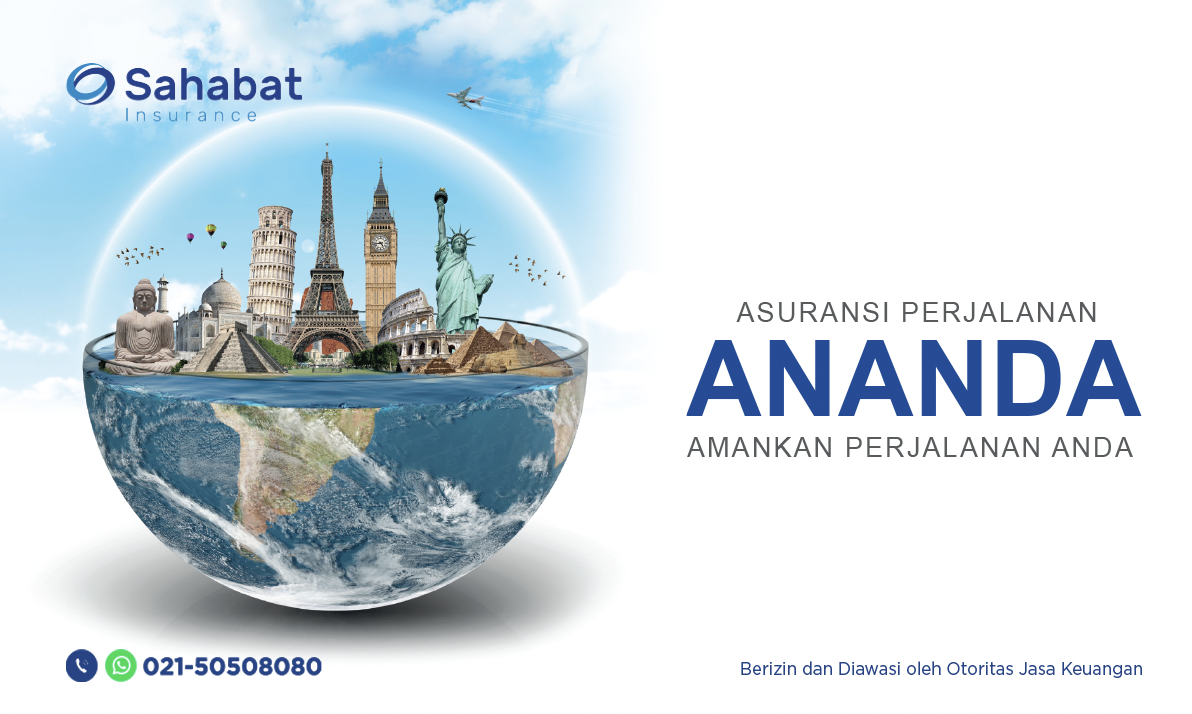
ANANDA Travel Insurance from Sahabat Insurance provide protection against risks when traveling to wherever your destination is in the form of reimbursement of medical costs, personal accidents, flight delays, loss of baggage and various other benefits.
• Guaranteed Acceptance
• Protecting Domestic & International Travel
• Compensation for death due to accident starting from Rp. 25,000,000,- up to IDR 100,000,000,-
• Reimbursement for flight delays
• Compensation for lost baggage and various other benefits.
Requirements and Procedures :
• The Prospective Insured who is represented by an Insurance Broker, Agent or Insured can directly fill in the Application for Insurance Closure (SPPA) for Legal Liability Insurance products
• Submit a photocopy of your KTP/Passport/SIM for Indonesian citizens and KITAS/KITAF for foreigners and NPWP
• The Prospective Insured will receive confirmation whether it meets the requirements and if so, The Prospective Insured will receive an insurance offer, terms and conditions along with the product premium rate to be paid.
Terms and Condition apply. For more info please call 021-50508080.
Berita Lainnya
Sahabat Insurance launches new representative office in Jambi
PT Asuransi Sahabat Artha Proteksi (Sahabat Insurance) launch the 18th representative office in Jambi on Wednesday 21 September 2022, in order to expand the official representative office in Indonesia.
Sahabat Insurance is committed to continuing to provide customer satisfaction, by always maintaining and improving service quality, as well as reaching customers spread across Indonesia.
Visit Sahabat Insurance - Jambi at Jl. Sumbiono Blok A2, Jelutung, Jambi. If you need immediate assistance, please call us at 0741-3622176, 021-50508080 or email [email protected]
Sahabat Insurance is a general insurance company with products such as:
•Property Insurance
•Motor Vehicle Insurance
•Personal Accident Insurance
•Travel Insurance
and so on.
For more information call us at 021-50508080.