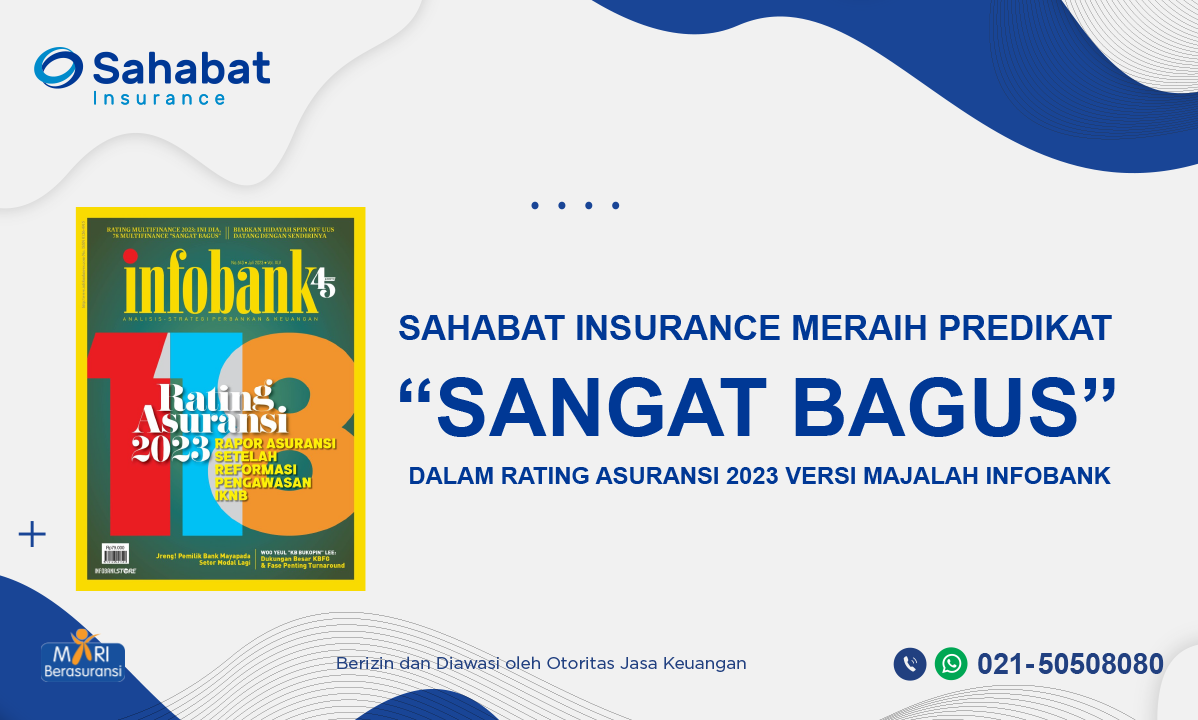

Sahabat Insurance achieved “excellence” predicate by infobank magazine

Terakhir Diubah : 09:13:51 - Wednesday, 12 July 2023

Berita - Sahabat Insurance achieved “excellence” predicate by infobank magazine - Sahabat Insurance | Solusi Lengkap Perlindungan Asuransi Anda

PT Asuransi Sahabat Artha Proteksi (Sahabat Insurance) achieved “excellence” predicate and successfully maintain its performance as one of the best in the group of general insurance  for 3 consecutive years, in 2021, 2022 and 2023 according to Infobank Magazine.

Sahabat Insurance won 2nd place in the category of General Insurance Companies with Gross Premiums of IDR 250 billion to IDR 500 billion in 2023 (2022 performance).

The growth in gross premiums for Asuransi Sahabat Artha Proteksi is one of the highest in its group. On an annual basis, the gross premium for Asuransi Sahabat Artha Proteksi grew 70.51% from IDR 255.79 billion in 2021 to IDR 436.14 billion in 2022. The gross premium growth far exceeded the general insurance industry which was 16.87%.

On the profitability side, the company's profit before tax was recorded at IDR 20.21 billion or grew 26.83%. Meanwhile, investment grew 23.07% to IDR 397.47 billion. For this achievement, Asuransi Sahabat Artha Proteksi received the “excellence” rating in this insurance rating. (Source: infobank July 2023)

Berita Lainnya

Virtual Account - Sahabat Insurance

Virtual Account - Sahabat Insurance

In order to improve the quality of our services, we facilitate premium payments with payment services via Virtual Account (VA) which will be listed on every insurance policy of PT Asuransi Sahabat Artha Proteksi.

A Virtual Account is a digital payment method through an account that is created virtually for each customer. To make payments, customers will be referred to their own Virtual Accounts. A Virtual Account consists of a unique customer ID (you can find it in your premium note).

Following are the procedures for payment via BCA Virtual Account (VA):

m-BCA
1. Open m-BCA, select “m-Transfer”.
2. Select “BCA Virtual Account”.
3. Enter the Virtual Account number  and click “OK”.
4. Input your transfer amount and click “OK”.
5. Confirm the transaction detail and click “OK”.
6. Enter m-BCA PIN.
7. Transaction is successful.

ATM BCA
1. Insert your BCA debit card and enter your PIN.
2. Select "Other Transaction”.
3. Select "Transfer”.
4. Select "BCA Virtual Account”.
5. Input "Virtual Account Number"  select “OK”.
6. Input your transfer amount  and click “OK”.
7. Confirm the transaction detail and click “OK”.
8. Your transaction is complete.

Transfer From Other Bank 

Via Apps
1. Oper your Apps, input your code, select “Transfer”.
2. Select “Transfer - Other Bank”.
3. Select Bank BCA (014).
4. Enter your Virtual Account code on Beneficiary Account.
5. Input transfer amount, select “OK”.
6. Confirm the transaction detail, select “OK”.
7. Enter your PIN.
8. Transaction is successful.

Via ATM
1. Insert your card, input PIN, select “Transfer”.
2. Select “Transfer - Other Bank”.
3. Select Bank BCA (014).
4. Enter your Virtual Account code on Beneficiary Account.
5. Input transfer amount, select “OK”.
6. Confirm the transaction detail, select “OK”.
7. Enter your PIN.
8. Transaction is successful.

For more info please call Sahabat Insurance 021-50508080 or email us: [email protected]